Encrypted wallet files
New wallet files use an independent random password. The Monero wallet core stores the file encrypted instead of using the visible app PIN as the file password.
Storage details → XMR LABS
Built for Monero
A native Monero wallet with encrypted wallet files, a separate app PIN, protected credential storage, and direct synchronization with the node you choose.
Guided by the original Monero project’s open, self-custody principles.
Independent project — not affiliated with or endorsed by the Monero Project.
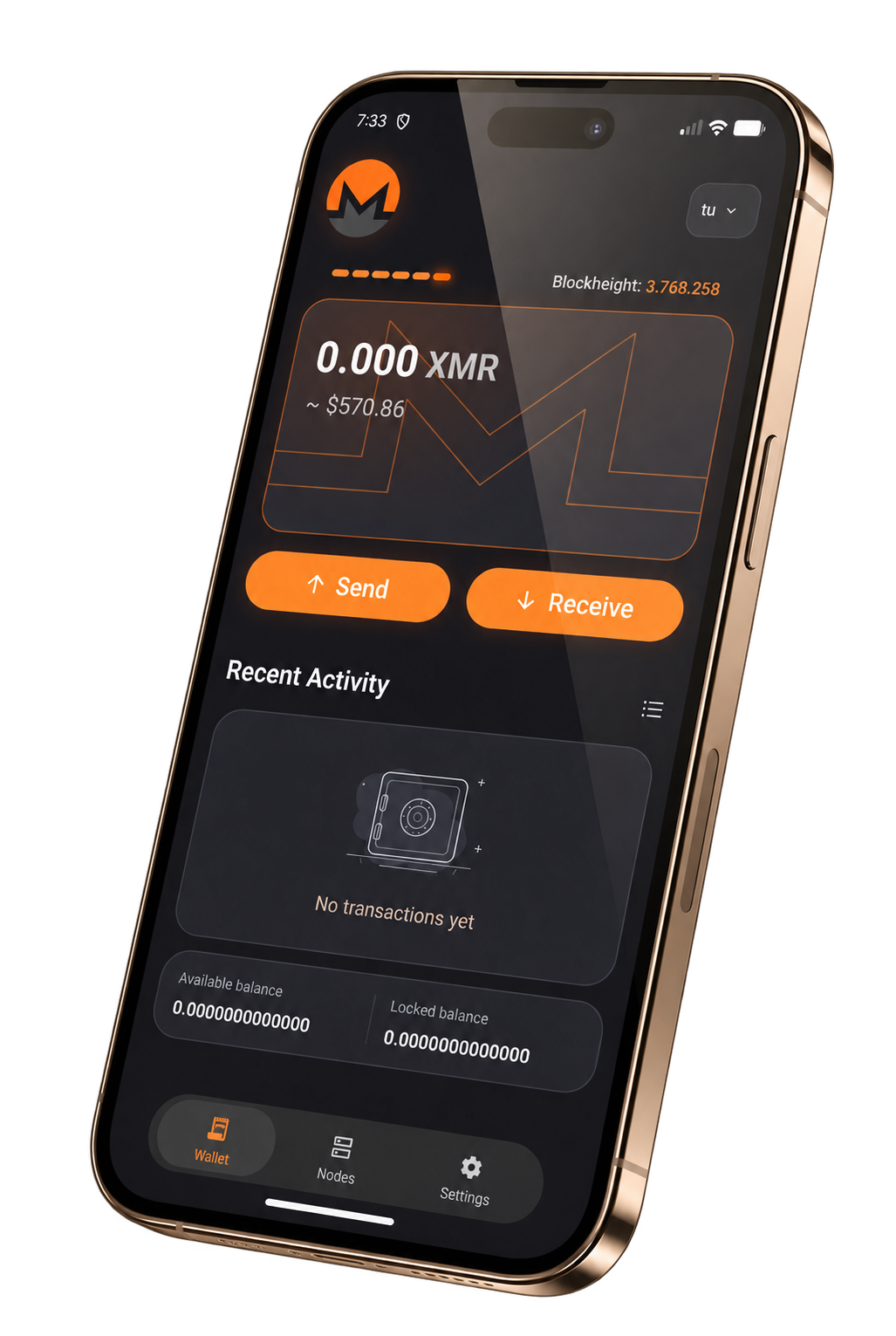
How the app actually works
The important protections are implemented as separate layers: the Monero core handles the wallet, Android protects the stored credentials, and the app connects directly to the selected node.
New wallet files use an independent random password. The Monero wallet core stores the file encrypted instead of using the visible app PIN as the file password.
Storage details →The app PIN is a separate access layer. Credentials required to reopen the wallet are stored through Android protected storage, and the native wallet engine opens only after unlock.
The app probes HTTPS Monero nodes, measures reachability and latency, then synchronizes the blockchain and wallet scan through the selected node.
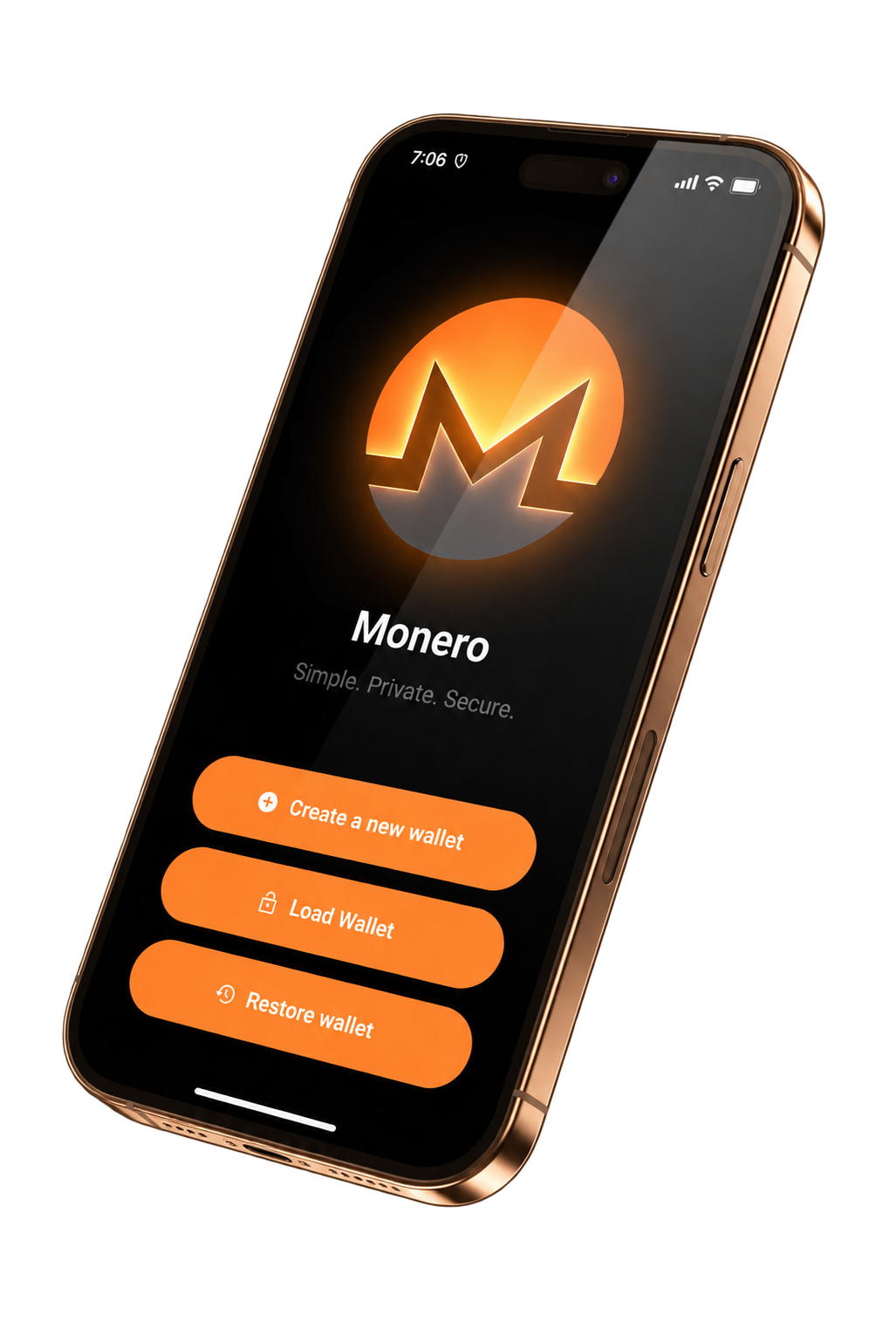
01 / Create or restore
Create or restore through the Monero wallet core. The seed is used to derive the wallet, while the resulting wallet file is stored locally in encrypted form.
The product direction is independent. XMR Labs is not an official Monero Project app.
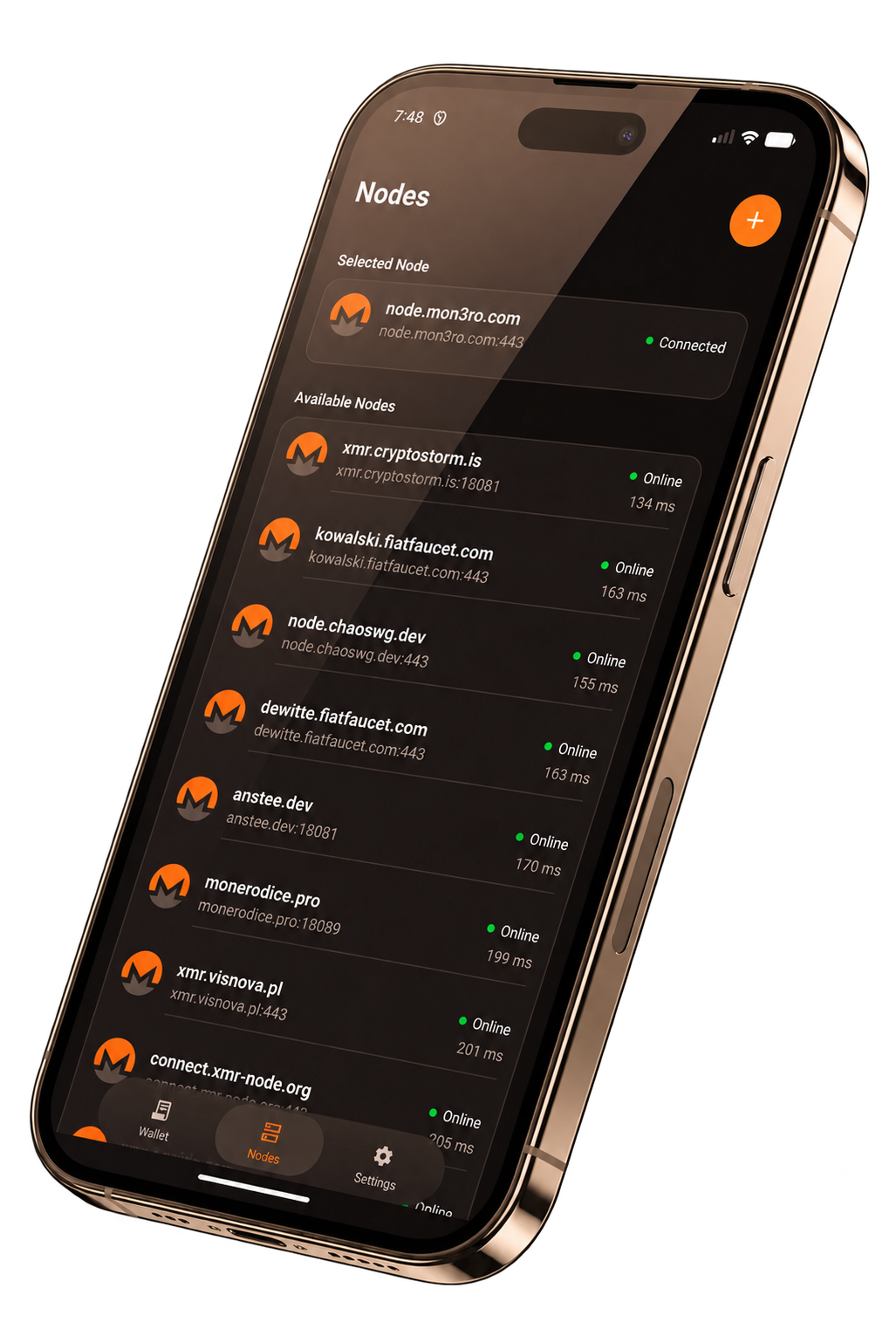
02 / Sync and scan
At startup the app measures available HTTPS nodes and selects the fastest reachable endpoint. The native wallet then downloads the chain and scans it for this wallet’s activity.
Node connection, blockchain synchronization, and wallet scanning are separate states.
The actual flow
The PIN unlocks access to the stored wallet credentials. The native wallet is opened only after the unlock flow succeeds.
The app connects to the measured node, receives the blockchain height, downloads missing blocks, and scans for wallet transactions.
Transactions are prepared and signed by the native Monero wallet core, then submitted through the connected node after confirmation.
The next release
XMR Labs is preparing for release. Follow the project for launch updates and early access.
Android release preparation in progress